
Smart Home
The Smart Home App provides an intuitive and efficient solution for managing smart devices, empowering users with user-friendly controls and real-time feedback.

Overview
The Smart Home App simplifies managing smart devices with a user-friendly and modern interface, enabling efficient control of lights, cameras, and electronics.Role: UI/UX DesignerTools Used: Figma, Adobe Illustrator
Goals
- Centralized, seamless device management.
- Real-time feedback for user actions.
- Intuitive design for all skill levels.
- Customizable settings and scenes.
Research
- User Research: Conducted surveys and interviews with 10+ users to identify pain points and preferences. Key findings included:
- Users prioritized quick access to frequently used devices.
- Real-time feedback (e.g., seeing light status change instantly) was essential for trust.
- Many users struggled with overly complex interfaces in competitor apps.
- Competitor Analysis: Evaluated top smart home apps to identify strengths and gaps. Key observations:
- Navigation was often cluttered and unintuitive.
- Customization options were either too limited or buried under layers of menus.
Prototype
Scroll the mobile to view the landing page.
Welcome Asim 👋

20
ْ C
Amman City, Jordan
Today Cloudy

AQI 92

78.2%

2.0 m/s



All Devices

All Rooms (37)
Living Room (8)
Bed Room (5)

Lightning
12 lights
Cameras
8 cameras
Electronic
6 devices
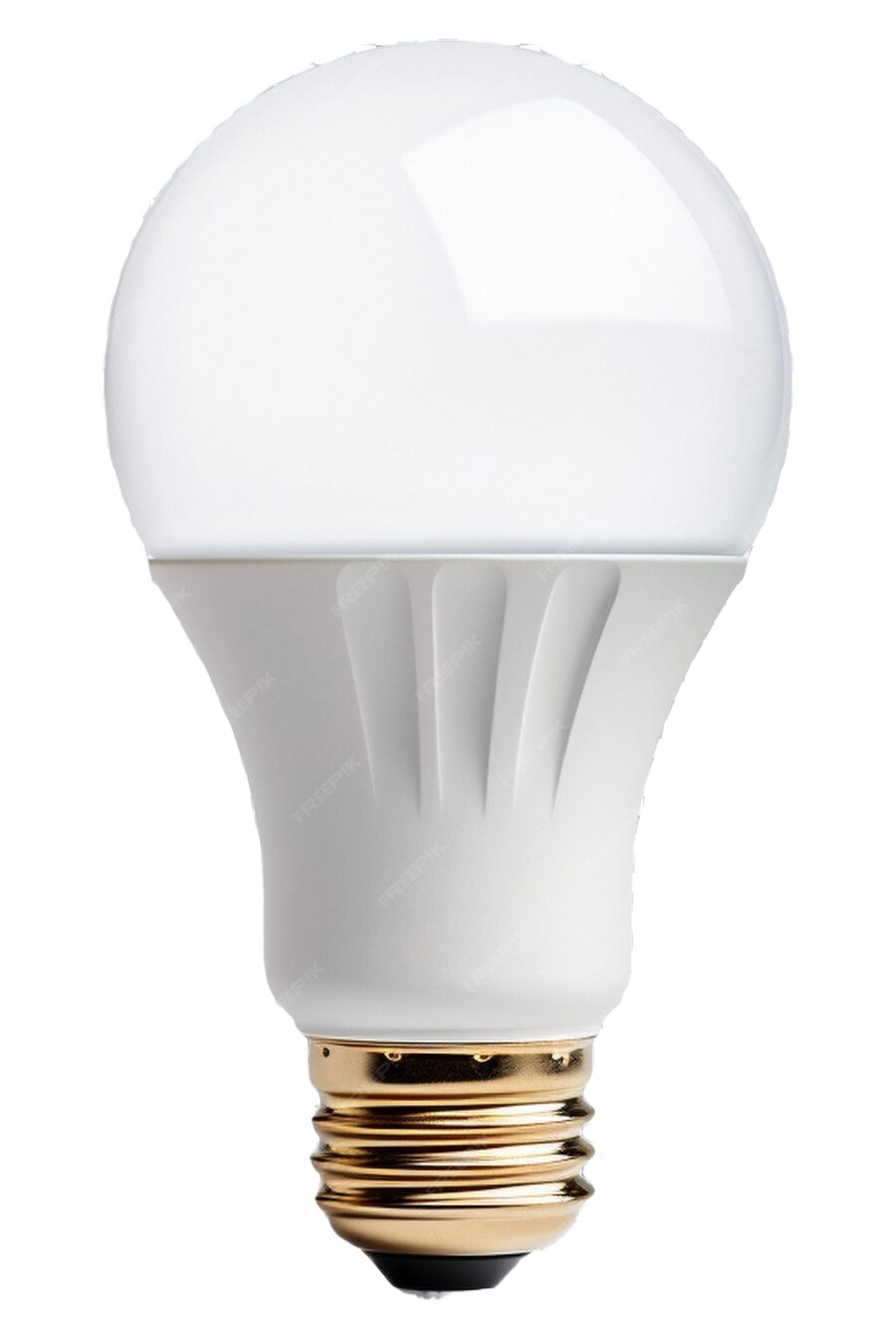


Smart Lamp

Wi-Fi
70%
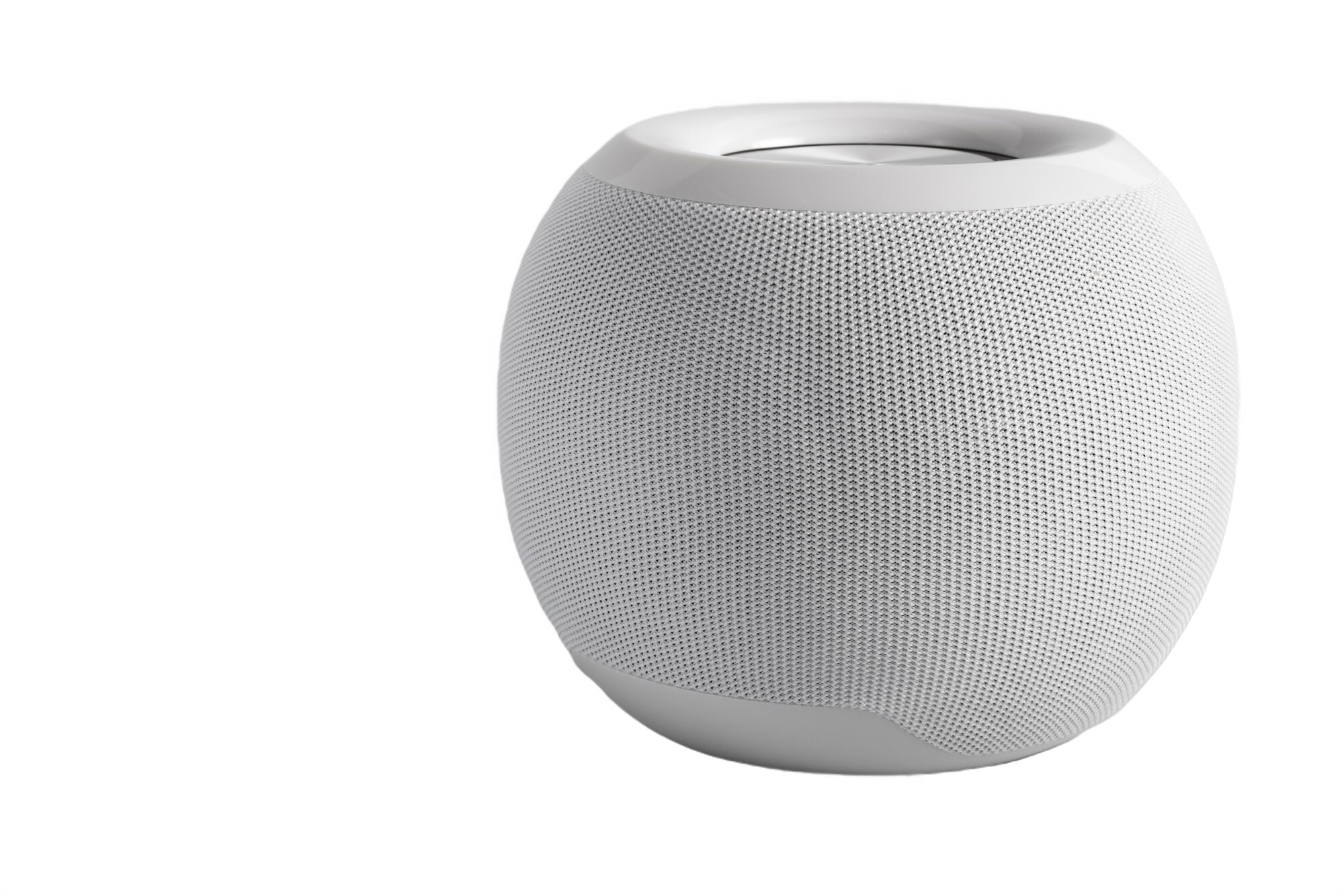
Stereo Speaker
Bluetooth
46%
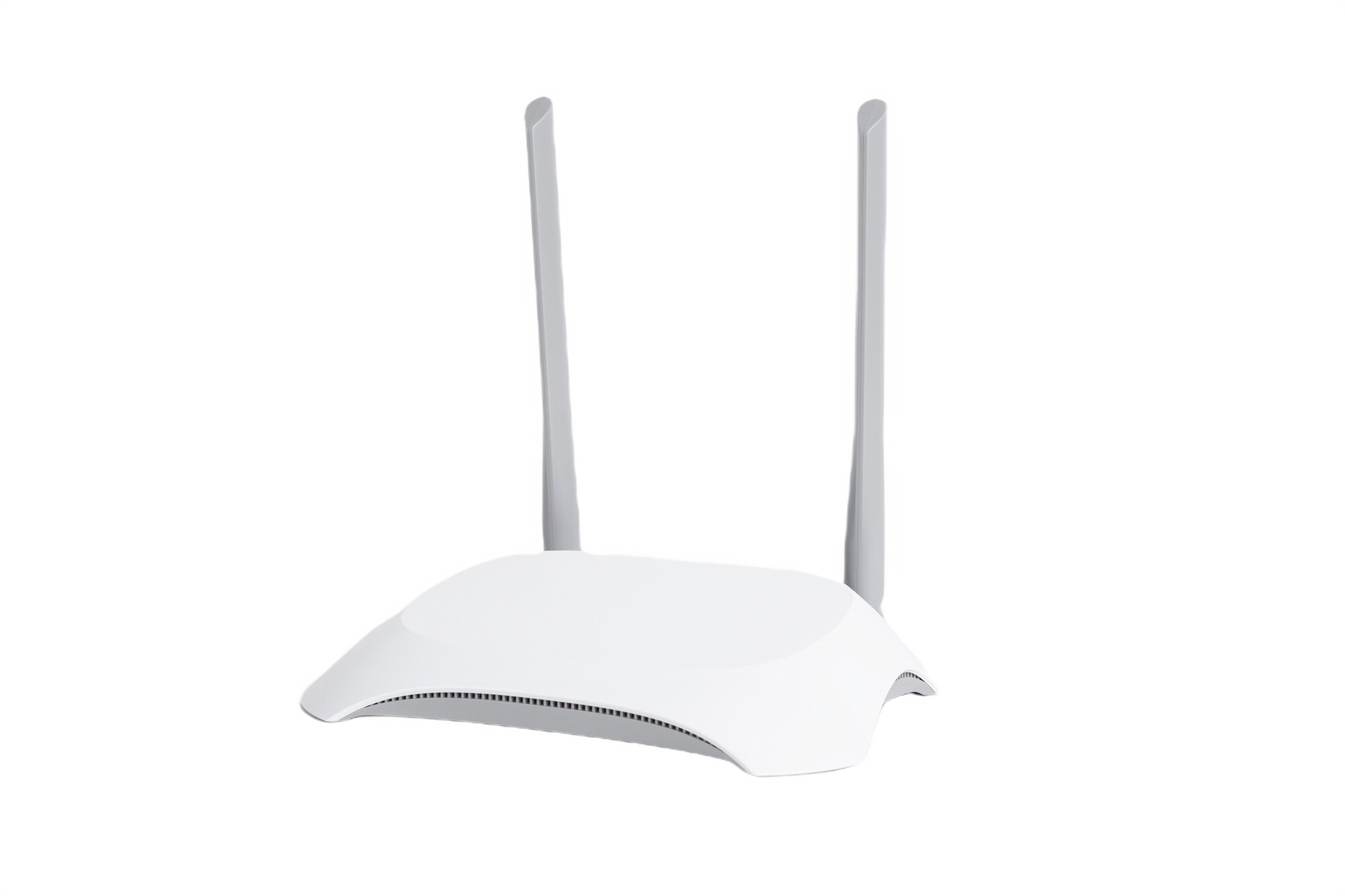
Router
Wi-Fi
Good
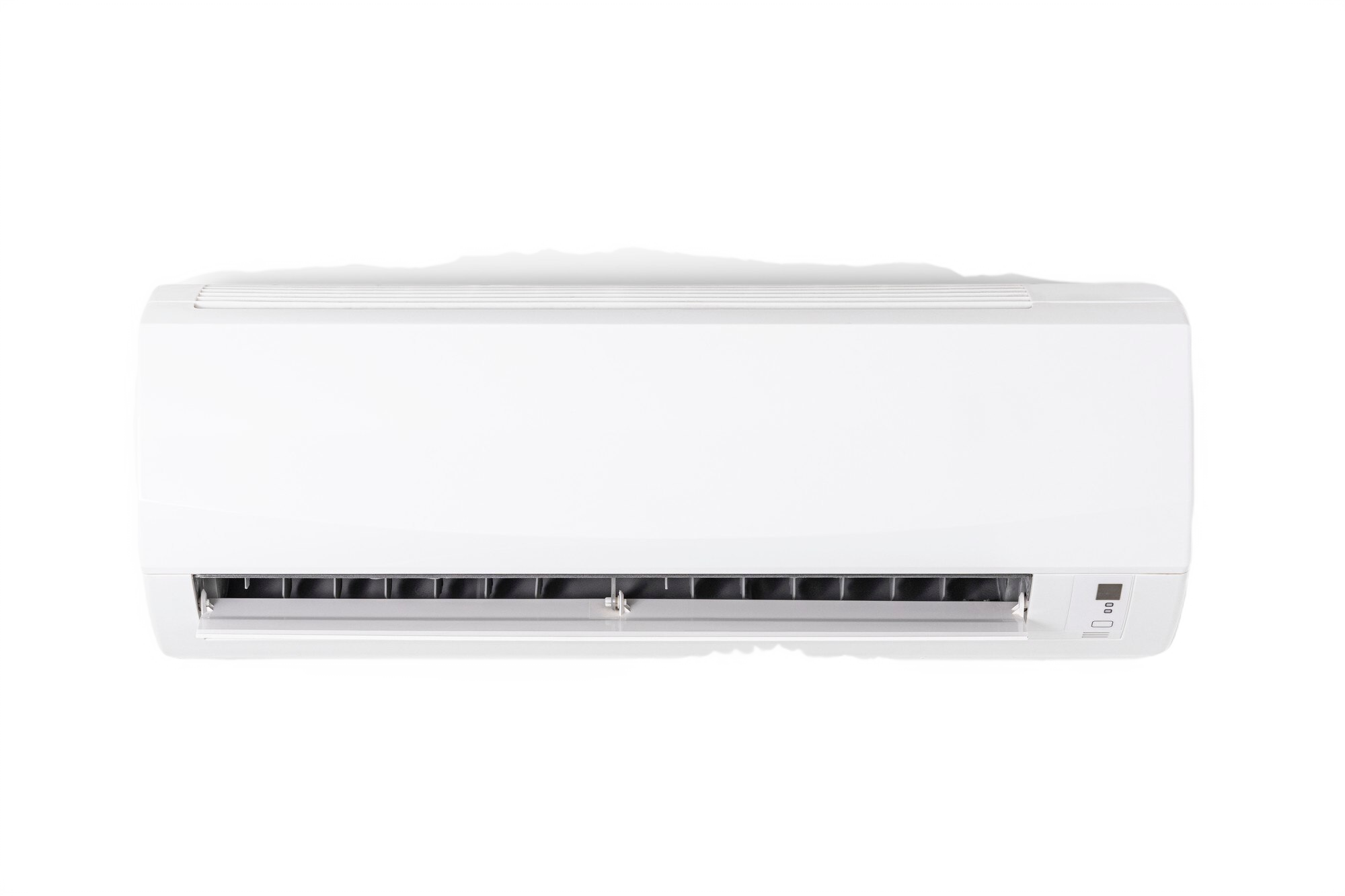
Air Conditioner
Bluetooth
Off
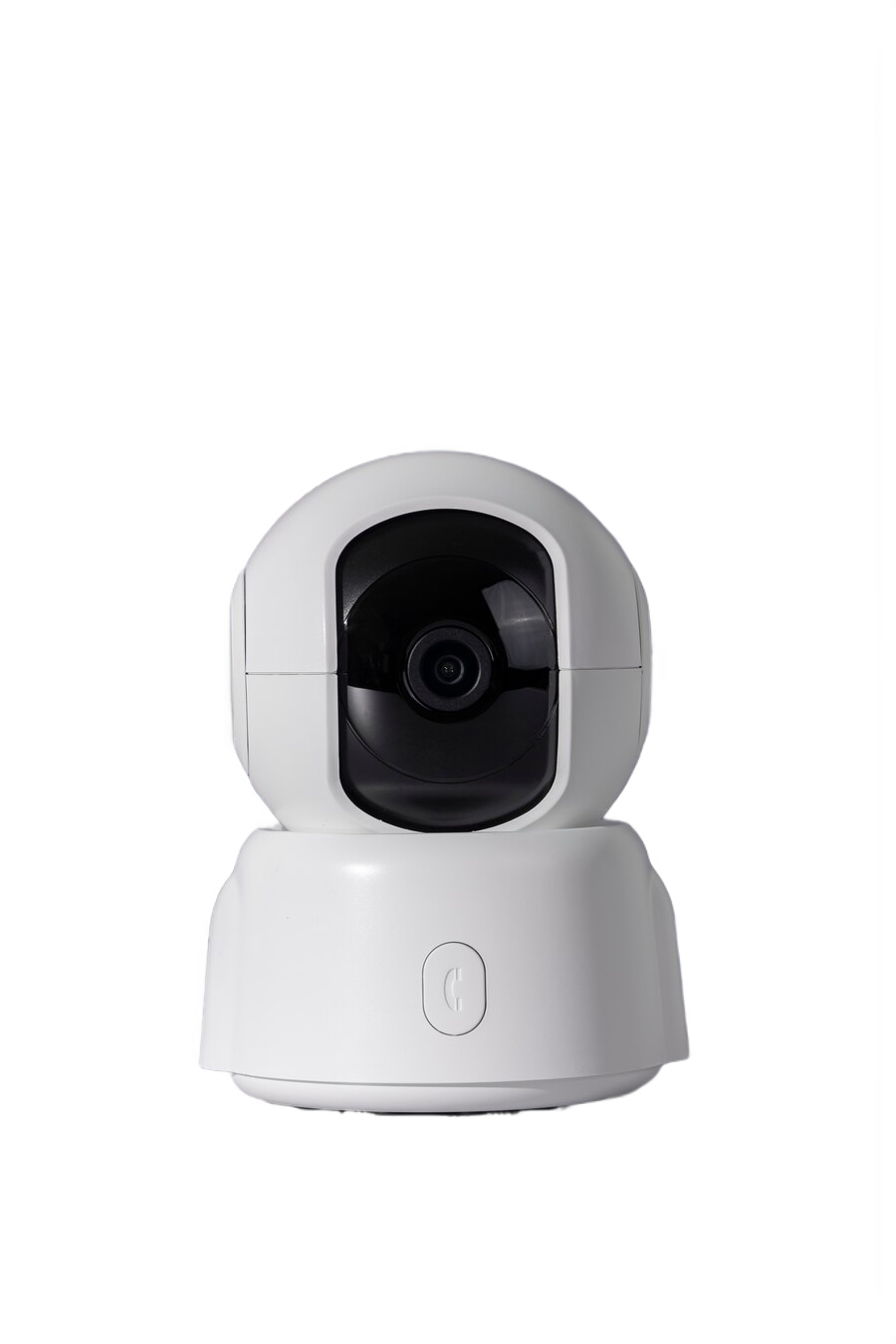
Smart Webcam
Wi-Fi
REC
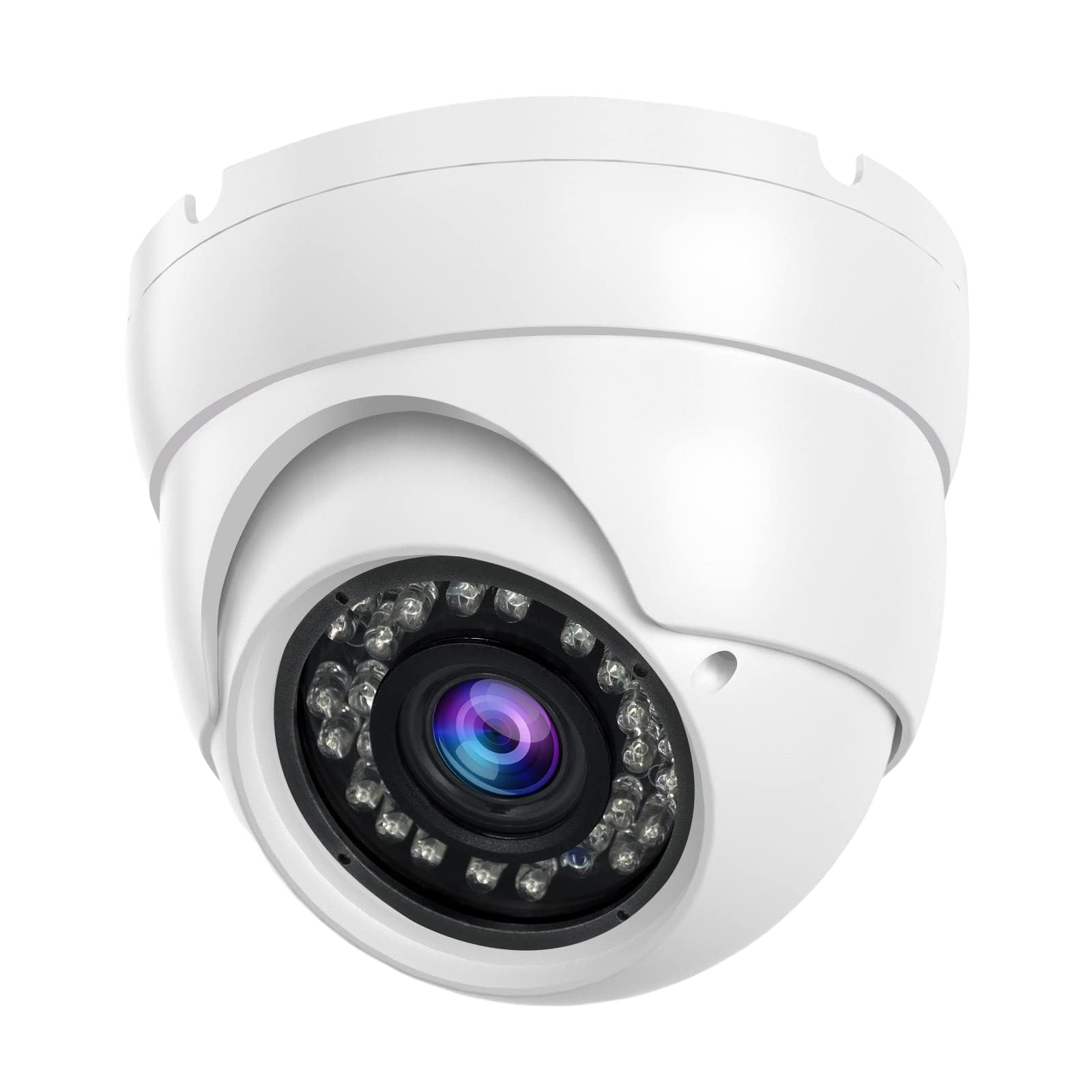
Smart V1 CCTV
Wi-Fi
REC
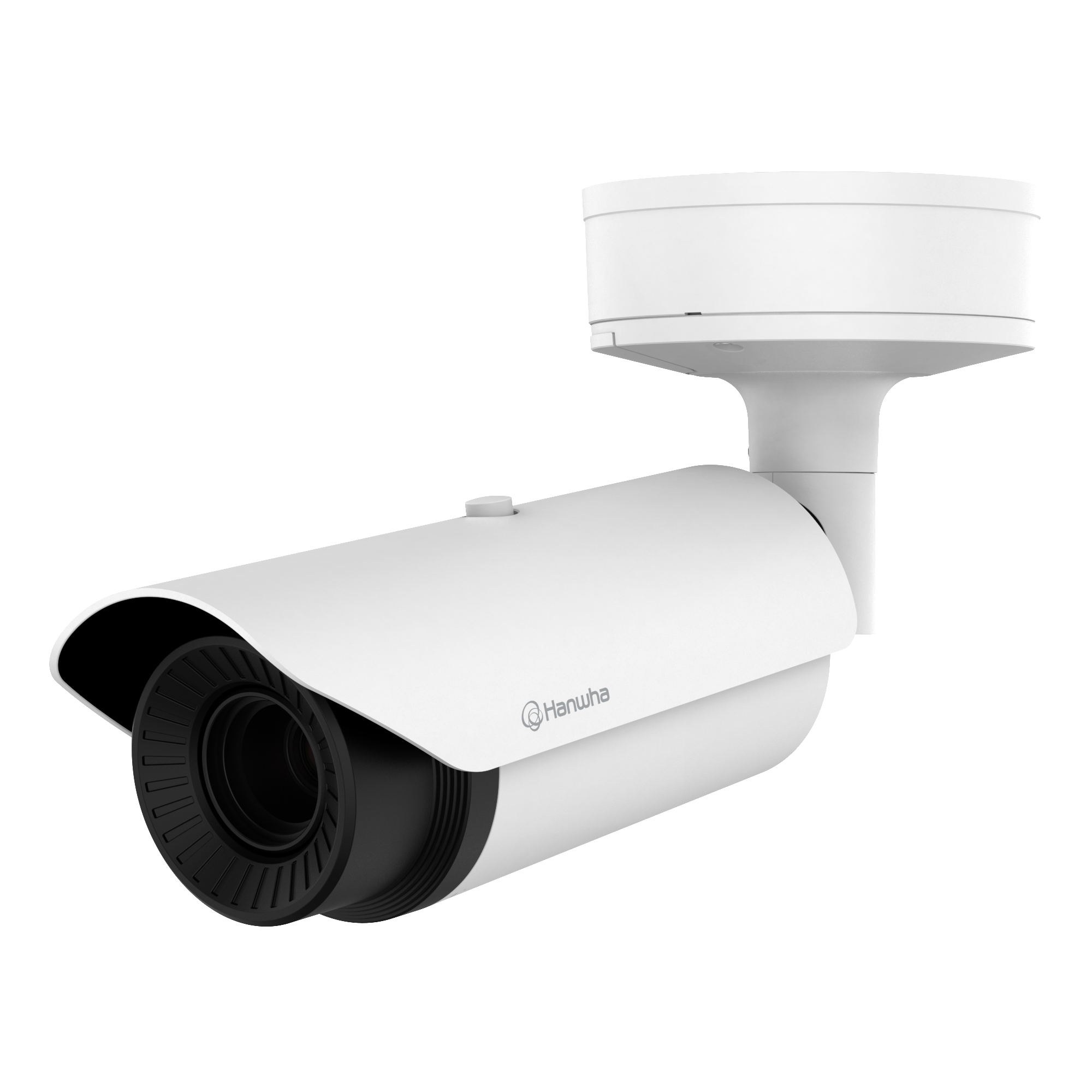
Smart V2 CCTV
Wi-Fi
Off
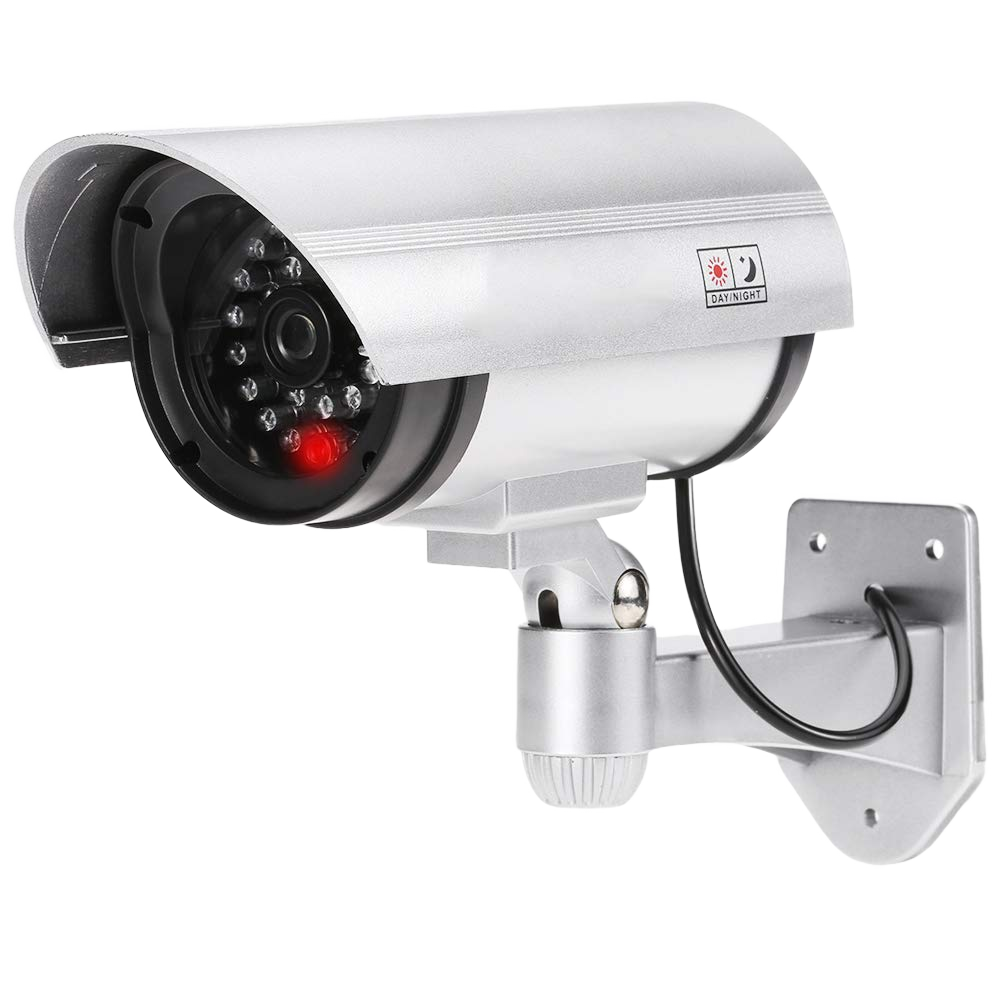
Smart V3 CCTV
Wi-Fi
Off
9
:
41


Design
- Screens:
- Dashboard: Displays weather, device categories, and quick controls.
- Device Control: Adjust brightness, colors, and scenes for devices.
- Components:
- Dashboard Tiles: Highlight device categories (e.g., Lighting, Cameras, Electronics) with clear icons.
- Device Toggles: Enable quick on/off actions.
- Color Sliders: Intuitive controls for adjusting brightness and color.
- Scene Selector: Predefined settings (e.g., "Good Night," "Party") for multi-device automation.
- Visual Design: Clean neutrals with blue/yellow accents and readable typography to ensure accessibility and clarity.
Wireframes
Low-Fidelity Wireframes: Sketched initial layouts to define structure and functionality.
- Included basic placement of dashboard elements, device controls, and navigation.


Testing & Results

Positive:
Simplicity of dashboard and sliders praised.
Improvements:
Enhanced labeling for scene controls.
40%
increase in task completion.
25%
faster control interactions.

Smart Home
The Smart Home App provides an intuitive and efficient solution for managing smart devices, empowering users with user-friendly controls and real-time feedback.
Overview
The Smart Home App simplifies managing smart devices with a user-friendly and modern interface, enabling efficient control of lights, cameras, and electronics.Role: UI/UX DesignerTools Used: Figma, Adobe Illustrator
Goals
- Centralized, seamless device management.
- Real-time feedback for user actions.
- Intuitive design for all skill levels.
- Customizable settings and scenes.
Research
- User Research: Conducted surveys and interviews with 10+ users to identify pain points and preferences. Key findings included:
- Users prioritized quick access to frequently used devices.
- Real-time feedback (e.g., seeing light status change instantly) was essential for trust.
- Many users struggled with overly complex interfaces in competitor apps.
- Competitor Analysis: Evaluated top smart home apps to identify strengths and gaps. Key observations:
- Navigation was often cluttered and unintuitive.
- Customization options were either too limited or buried under layers of menus.
Prototype
Scroll the mobile to view the landing page.
Welcome Asim 👋

20
ْ C
Amman City, Jordan
Today Cloudy

AQI 92

78.2%

2.0 m/s


All Devices

All Rooms (37)
Living Room (8)
Bed Room (5)

Lightning
12 lights

Cameras
8 cameras

Electronic
6 devices


Smart Lamp

Wi-Fi
70%
Stereo Speaker

Bluetooth
46%
Router
Wi-Fi
Good
Air Conditioner
Bluetooth
Off
Smart Webcam
Wi-Fi
REC
Smart V1 CCTV
Wi-Fi
REC
Smart V2 CCTV
Wi-Fi
Off
Smart V3 CCTV
Wi-Fi
Off
9
:
41


Design
- Screens:
- Dashboard: Displays weather, device categories, and quick controls.
- Device Control: Adjust brightness, colors, and scenes for devices.
- Components:
- Dashboard Tiles: Highlight device categories (e.g., Lighting, Cameras, Electronics) with clear icons.
- Device Toggles: Enable quick on/off actions.
- Color Sliders: Intuitive controls for adjusting brightness and color.
- Scene Selector: Predefined settings (e.g., "Good Night," "Party") for multi-device automation.
- Visual Design: Clean neutrals with blue/yellow accents and readable typography to ensure accessibility and clarity.
Wireframes
Low-Fidelity Wireframes: Sketched initial layouts to define structure and functionality.
- Included basic placement of dashboard elements, device controls, and navigation.
Testing & Results
Positive:
Simplicity of dashboard and sliders praised.
Improvements:
Enhanced labeling for scene controls.
40%
increase in task completion.
25%
faster control interactions.
Smart Home
The Smart Home App provides an intuitive and efficient solution for managing smart devices, empowering users with user-friendly controls and real-time feedback.
Overview
The Smart Home App simplifies managing smart devices with a user-friendly and modern interface, enabling efficient control of lights, cameras, and electronics.Role: UI/UX DesignerTools Used: Figma, Adobe Illustrator
Goals
- Centralized, seamless device management.
- Real-time feedback for user actions.
- Intuitive design for all skill levels.
- Customizable settings and scenes.
Research
- User Research: Conducted surveys and interviews with 10+ users to identify pain points and preferences. Key findings included:
- Users prioritized quick access to frequently used devices.
- Real-time feedback (e.g., seeing light status change instantly) was essential for trust.
- Many users struggled with overly complex interfaces in competitor apps.
- Competitor Analysis: Evaluated top smart home apps to identify strengths and gaps. Key observations:
- Navigation was often cluttered and unintuitive.
- Customization options were either too limited or buried under layers of menus.
Prototype
Scroll the mobile to view the landing page.
Welcome Asim 👋
20
ْ C
Amman City, Jordan
Today Cloudy
AQI 92
78.2%
2.0 m/s

All Devices
All Rooms (37)
Living Room (8)
Bed Room (5)

Lightning
12 lights
Cameras
8 cameras
Electronic
6 devices
Smart Lamp

Wi-Fi
70%
Stereo Speaker
Bluetooth
46%
Router
Wi-Fi
Good
Air Conditioner
Bluetooth
Off
Smart Webcam
Wi-Fi
REC
Smart V1 CCTV
Wi-Fi
REC
Smart V2 CCTV
Wi-Fi
Off
Smart V3 CCTV
Wi-Fi
Off
9
:
41
Design
- Screens:
- Dashboard: Displays weather, device categories, and quick controls.
- Device Control: Adjust brightness, colors, and scenes for devices.
- Components:
- Dashboard Tiles: Highlight device categories (e.g., Lighting, Cameras, Electronics) with clear icons.
- Device Toggles: Enable quick on/off actions.
- Color Sliders: Intuitive controls for adjusting brightness and color.
- Scene Selector: Predefined settings (e.g., "Good Night," "Party") for multi-device automation.
- Visual Design: Clean neutrals with blue/yellow accents and readable typography to ensure accessibility and clarity.
Wireframes
Low-Fidelity Wireframes: Sketched initial layouts to define structure and functionality.
- Included basic placement of dashboard elements, device controls, and navigation.
Testing & Results
Positive:
Simplicity of dashboard and sliders praised.
Improvements:
Enhanced labeling for scene controls.
40%
increase in task completion.
25%
faster control interactions.